
From acceptance to signature –
without the post.
Prospective tenants sign their contract quickly, flexibly and with legal certainty from anywhere. You save on printing, posting, chasing and returns – and the contract is then automatically stored in the digital tenant file.
- SES, AES and QES
- Seamlessly within the letting process
- Contract immediately visible in the tenant portal*
* With the Immomio tenant portal or tenant app.
No more paperwork.
The signature is not a separate tool but the next step in the case your team already has open.
Signed in minutes instead of weeks
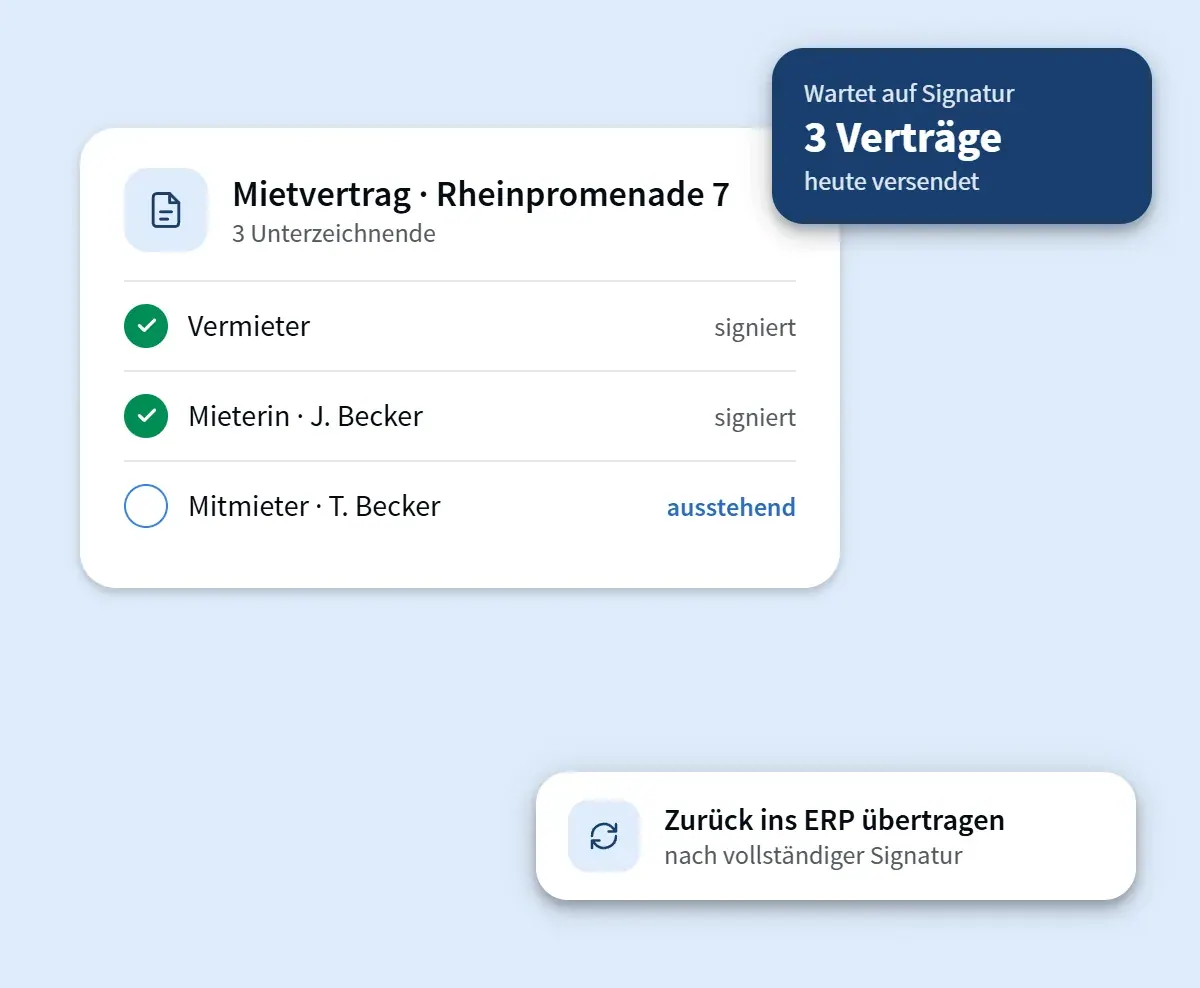
Generate the contract, send it, have it signed – without printing, enveloping, posting and chasing. Reminders go out automatically and you see the status in real time.
Identification at the right level
Choose between simple, advanced and qualified electronic signatures for each case. The audit log and signature certificate are archived with the document.
Embedded in your processes
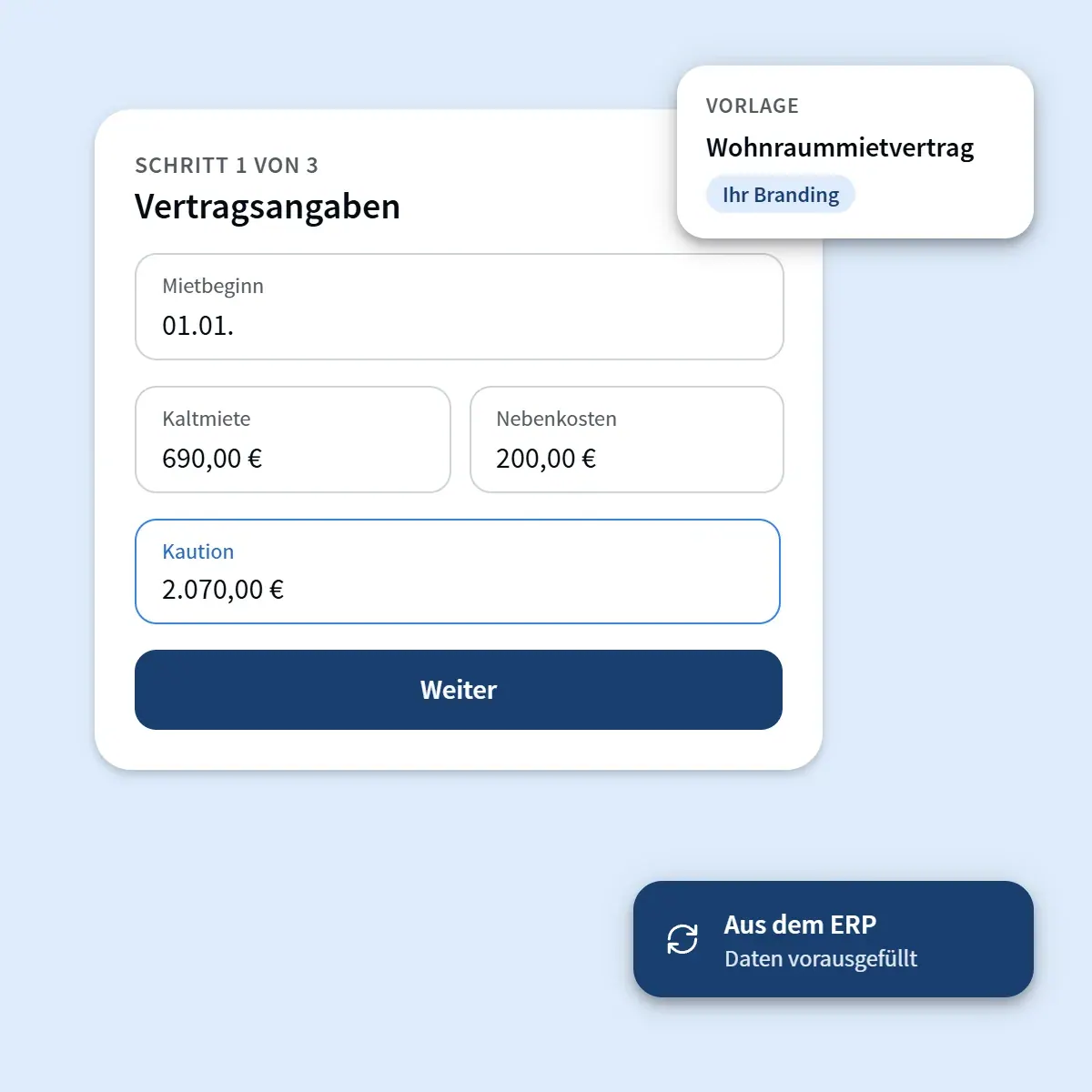
Contract data comes from the case and the ERP; the signed document goes back and appears immediately for tenants in the tenant portal and tenant app.
Five steps tenants can complete without explanation.
The signature flow is built for people who use it exactly once: clearly named steps, visible mandatory fields, no account required for third parties.
- Check contract details – pre-filled from the case
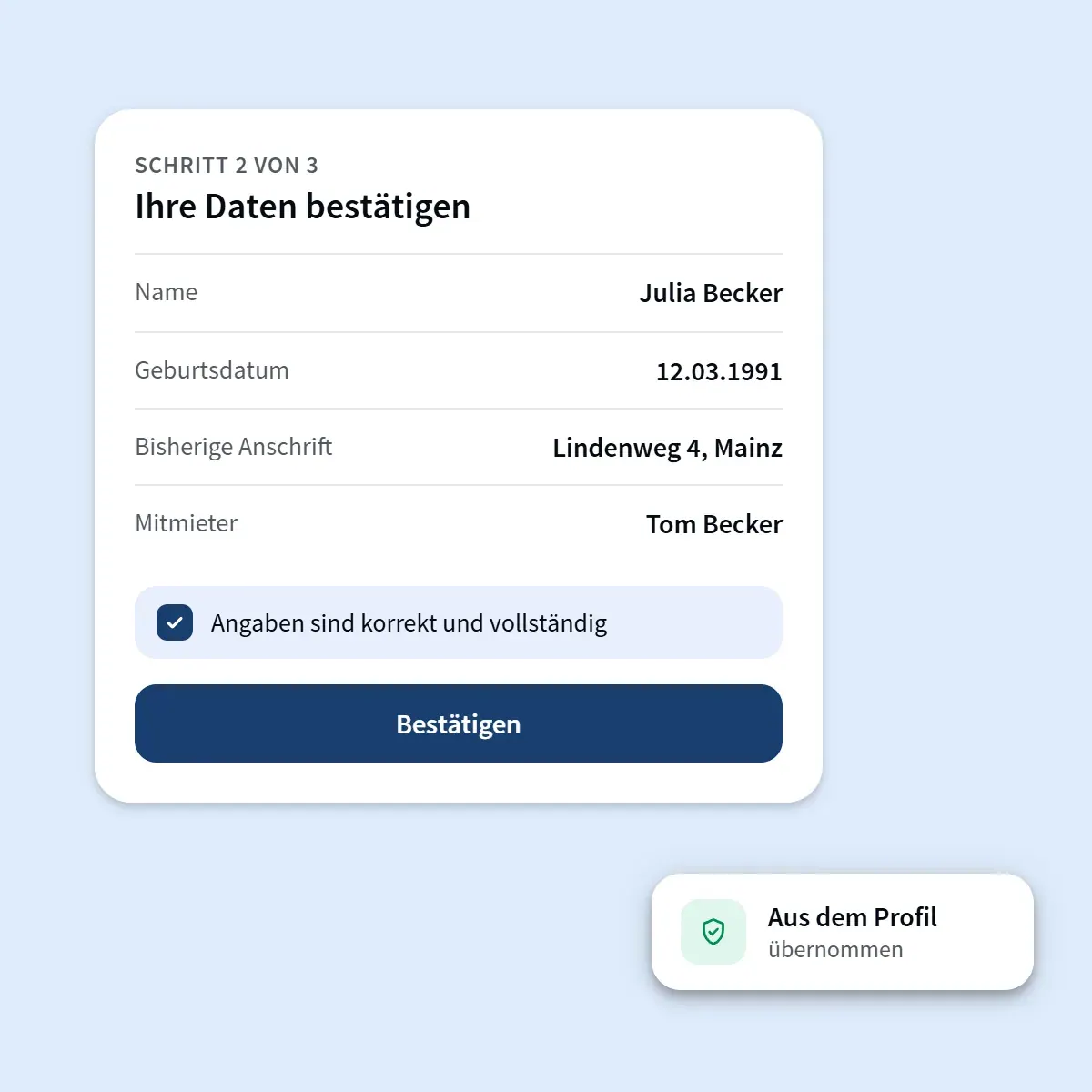
- Confirm data and add missing details
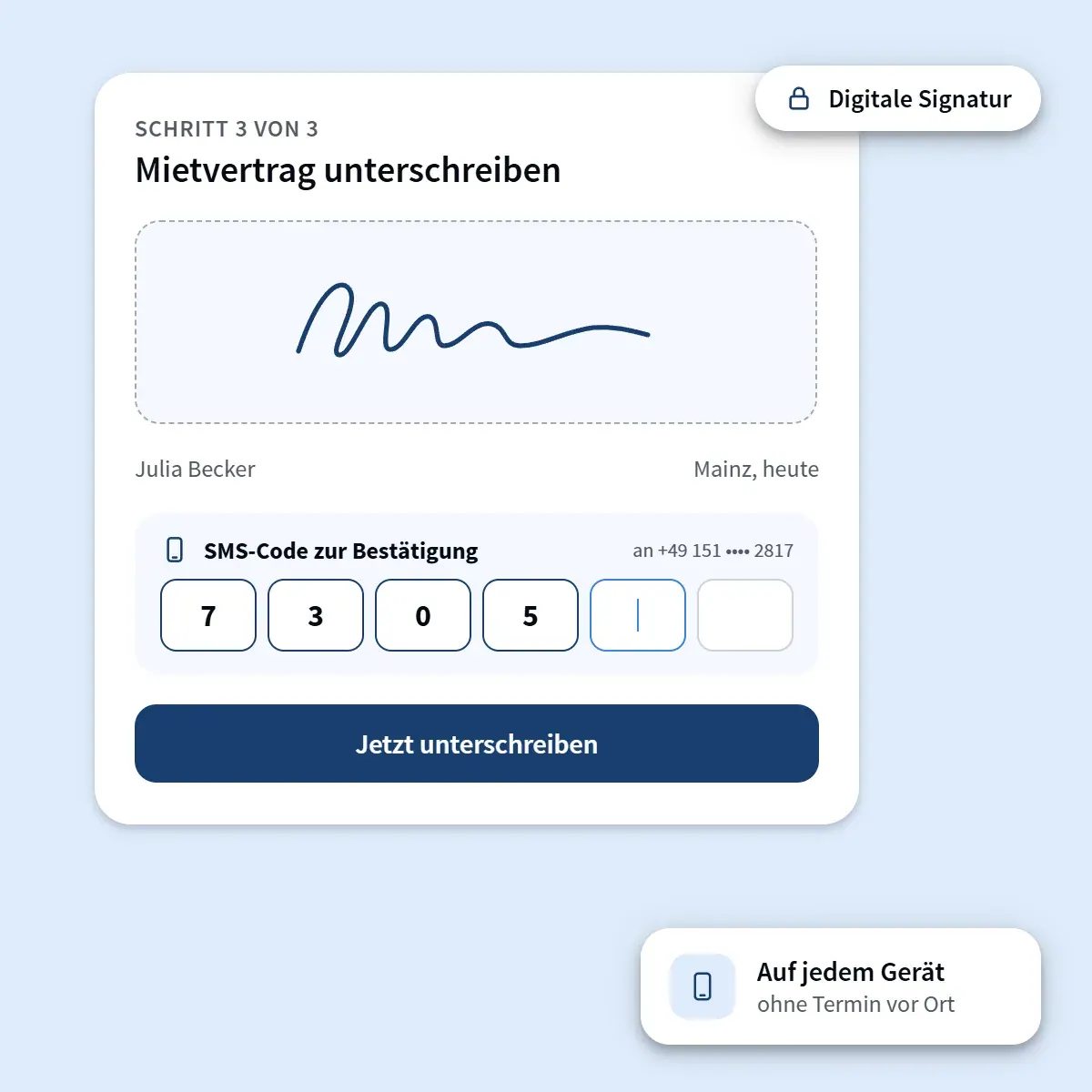
- Start the signature procedure
- Sign by typing or drawing
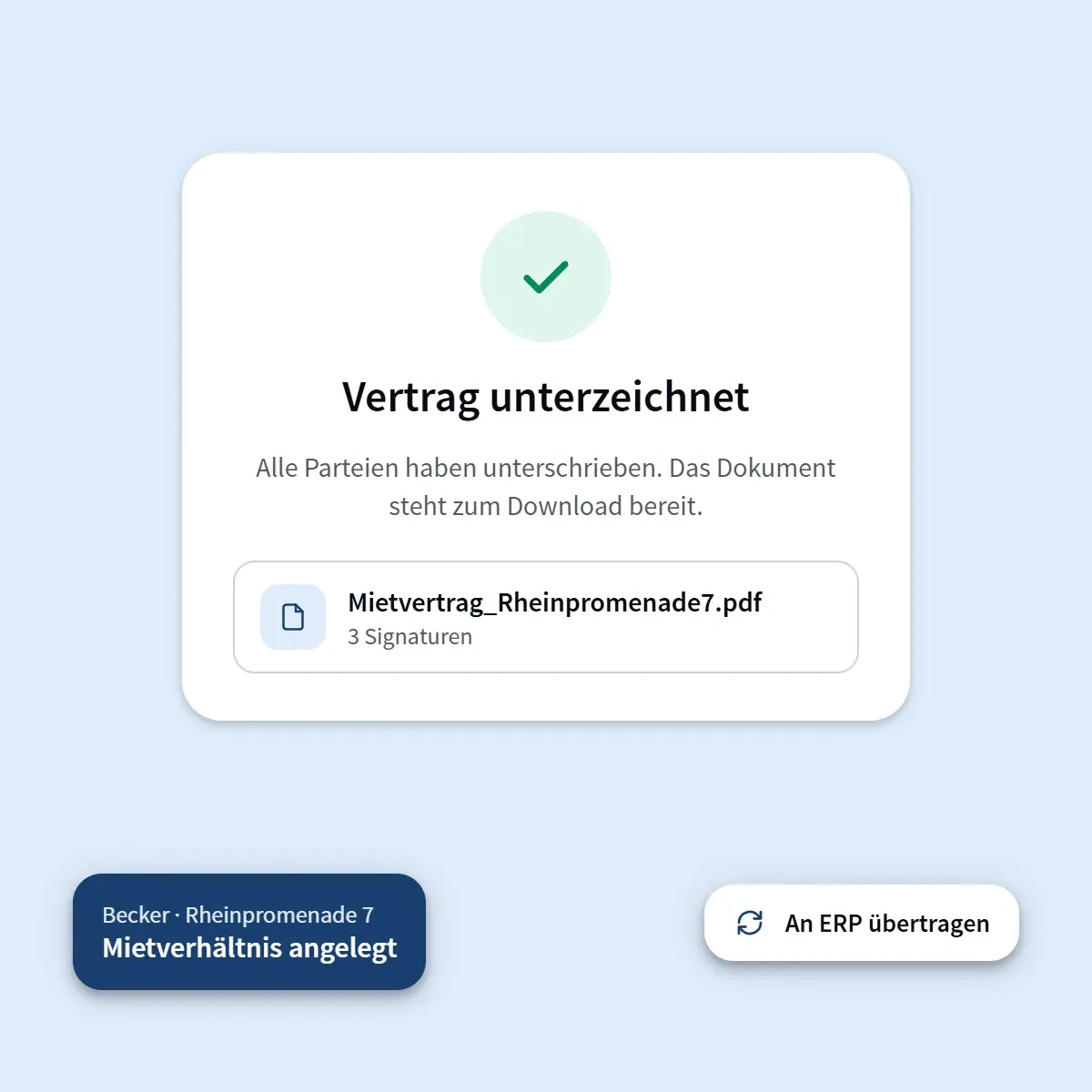
- Signed PDF immediately available to all parties
As much proof of identity as necessary.
Not every document needs the same level. You define which procedure applies to each document type – the rest runs automatically.
- SES – simple electronic signature, e.g. for annexes and confirmations
- AES – advanced signature with verified identity, standard for tenancy agreements
- QES – qualified signature, legally equivalent to a handwritten signature
- Complete audit log for each signing process
- Archiving in the case, in the tenant file and optionally in the ERP
Rules per document type
Example configuration of a housing company
A look at the signing process.
Fits together because it was built together.
Every product works on the same master data – no duplicate entry, no additional interface.
Digital signature – answered in brief.
Is a digitally signed tenancy agreement legally valid?+
Yes. Residential tenancy agreements are generally not subject to any formal requirements, so a simple or advanced electronic signature is sufficient. Where the law or the contract requires written form, you use the qualified electronic signature – it has the same legal standing as a handwritten signature.
Do tenants need an account or an app?+
No. The signature link works in the browser on any device. A prospective tenant account is helpful but not a prerequisite for signing.
What happens to the signed contract?+
The signed PDF, including the signature log, is stored in the case, in the digital tenant file and – if your ERP is connected – in your system’s document management. Tenants see it immediately in the tenant portal and tenant app.

Take postal delays out of your process.
We show you the signature using one of your contract templates – including a recommended level for each document type.